The most popular advice about phishing simulation tools is often the least useful: choose the platform with the largest template library. A large catalog matters, but it doesn't tell you whether employees will encounter training in email, Slack, Microsoft 365, SMS, or another channel where risky decisions really happen. It also says little about coaching quality, administrator workload, integration depth, pricing visibility, or whether your reports can support an audit.
The evidence favors a more cautious view. A NIST-hosted summary of phishing simulation research describes effects that are generally modest rather than dramatic, although interactive training performed better than training alone in the cited experiment. That means a platform should help you run a continuous behavior program, not just send occasional tests and rank employees by click rate.
The comparison below groups tools by the operating model they support. Vigil Security is especially relevant for Slack-first distributed teams, while the other options fit different email-security ecosystems, Microsoft environments, enterprise response programs, engagement-led coaching models, and SMB or MSP deployments.
1. Vigil Security
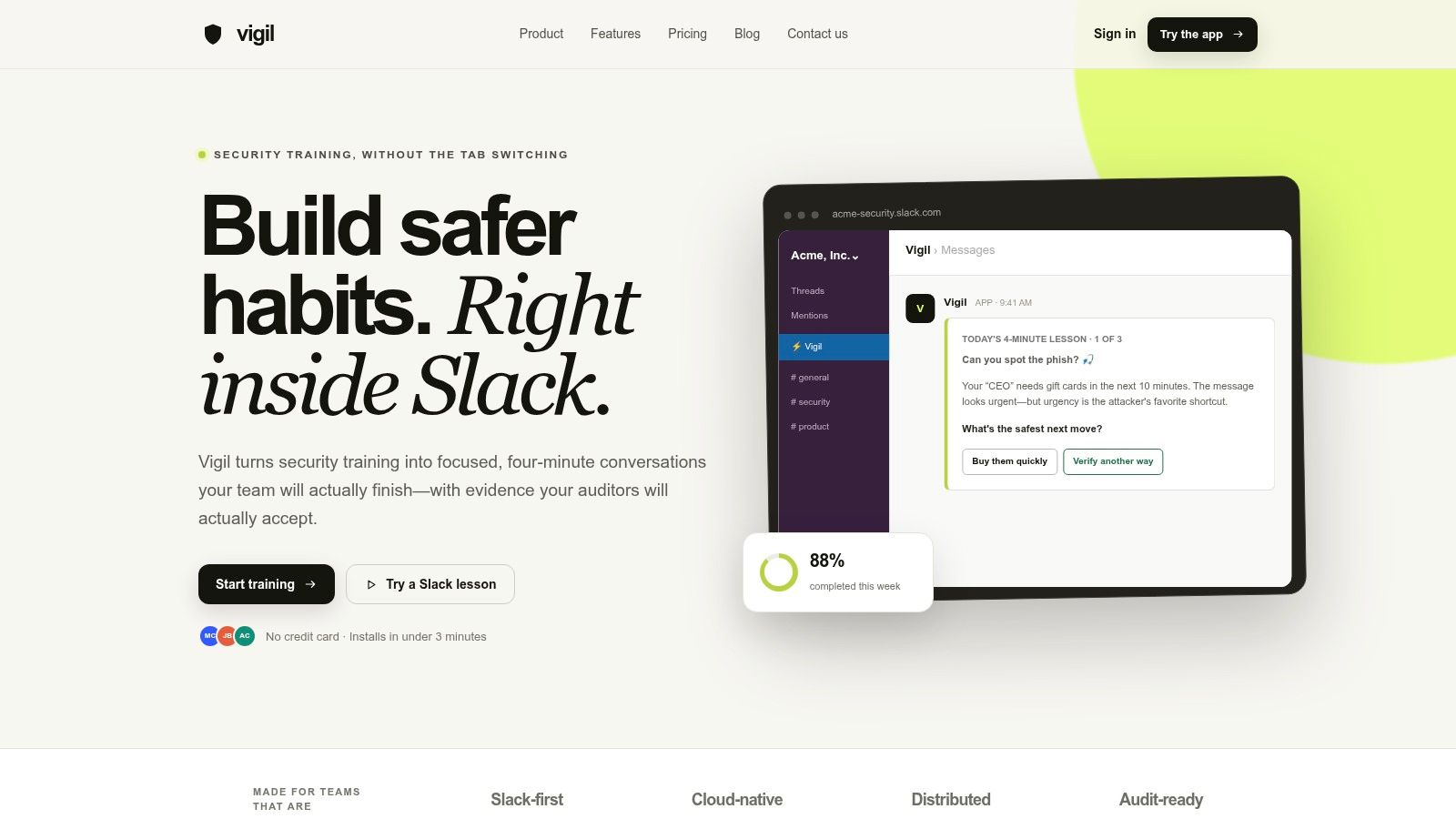
Vigil Security takes a different route from portal-first security awareness platforms. It delivers short, interactive lessons and phishing simulations directly inside Slack, using direct messages, App Home, slash commands, recurring Streams, and automated reminders. Employees don't need a separate password or training tab, which makes the product a natural fit for cloud-native teams that already conduct much of their work in Slack.
The operating model is continuous microlearning rather than occasional course assignment. Lessons take about four minutes, while Streams provide short refreshers lasting roughly 30 to 60 seconds. Scenario-based quizzes, pulse checks, phishing exercises, and instant corrective coaching connect the test to the decision an employee just made. The platform also supports graded assessments with an 80% pass threshold, certificates, and CSV or PDF exports.
Where Vigil fits best
Security and compliance teams can assign training by workspace, channel, team, or individual. Workflow automations can trigger training from real activity, while progress views show completion, comprehension, overdue status, and certificates. Evidence synchronization with Vanta and Drata is designed to reduce manual evidence collection, and lesson activity can map to frameworks including SOC 2, ISO 27001, HIPAA, PCI DSS, GDPR, and NIST CSF.
Vigil also supports phishing campaigns with immediate Slack feedback, including email, SMS-based social engineering, QR-code, and voice-oriented scenarios according to the product information supplied for this comparison. Optional BYOK AI personalization lets customers draft or adapt content with their own OpenAI or Anthropic keys, keeping provider-key ownership with the customer.
Practical rule: Choose Vigil when completion inside the daily workflow matters more than having the broadest standalone portal.
The trade-off is clear. Vigil is Slack-dependent, so organizations with large non-Slack populations or mixed collaboration environments may need another delivery channel. Its lowest effective annual rate requires annual billing, plans start at 25 learners, Vanta and Drata adapters are preview integrations, and BYOK AI usage is billed to the customer's provider account. Pricing is unusually visible compared with quote-only competitors, with one plan listed at $2 per learner per month when billed annually, and a 14-day trial without a credit card, as detailed on the Vigil Security platform site.
2. KnowBe4 Security Awareness Training and Simulated Phishing
KnowBe4 is the conventional choice for organizations that want a mature, broad security awareness program with extensive content and reporting. Its value isn't limited to a phishing email generator. Administrators can combine simulated phishing with training content, automated campaigns, compliance reporting, and LMS-oriented workflows.
The platform supports multiple scenarios, including reply-to attacks, QR-code lures, and callback exercises. That breadth helps teams vary the type of decision being tested rather than sending the same credential lure repeatedly. Notifications can connect with Slack, Microsoft Teams, and Google Chat, although the training experience itself remains distinct from a Slack-native lesson flow.
Why teams choose it
KnowBe4 makes sense when the administrator wants a large content catalog and established reporting conventions. The KnowBe4 platform is also a strong candidate for organizations that need documented training coverage across departments, roles, and compliance requirements. Its maturity can reduce procurement uncertainty, particularly for teams that want extensive documentation and a broad support ecosystem.
The cost of that breadth is operational. A large library can create selection work, and smaller organizations may not use enough of the catalog to justify its complexity. Pricing is quote-based, so buyers need to ask how licensing changes at renewal and which reporting, LMS, automation, and simulation capabilities are included in the proposed tier.
Best fit: KnowBe4 is strongest when content breadth, reporting depth, and market maturity matter more than a lightweight learner experience.
Its benchmark orientation also makes it useful for programs that need to compare failure and reporting trends over time. SANS identifies undesired-action rate and report rate as core awareness-program measures, while PhishingBox describes failure rate and Net Reporter Score as standard benchmarking concepts in its security awareness benchmarking guidance. Those metrics are useful, but buyers should still validate whether the platform's coaching changes behavior after a failure rather than merely recording it.
3. Cofense PhishMe
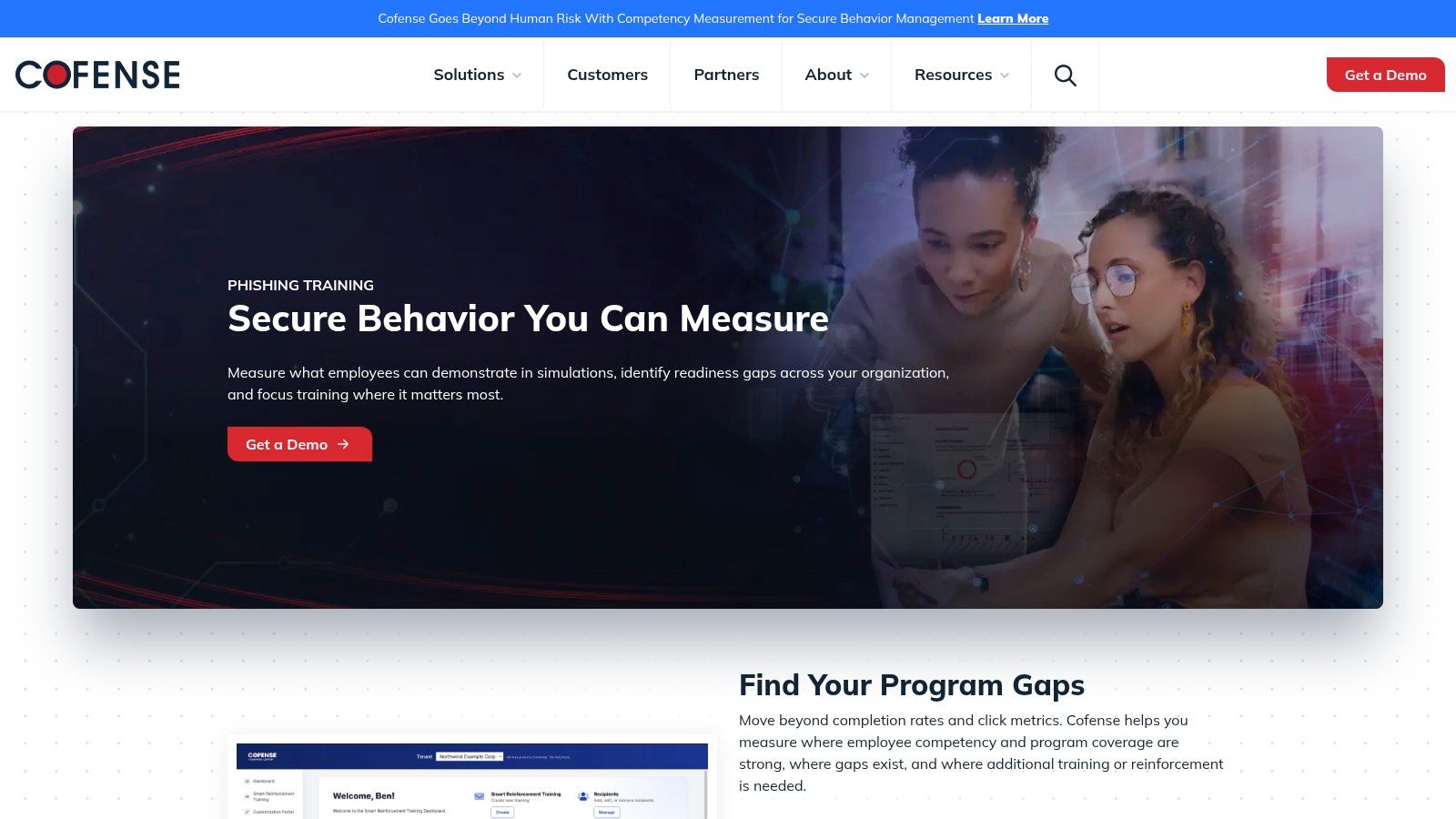
Cofense PhishMe is built for an organization that treats phishing simulation as part of a larger detection and response operation. Its Playbook approach supports planned campaigns involving lures, landing pages, and attachments, giving security teams a repeatable way to run multi-month or yearlong programs instead of assembling each exercise from scratch.
The important distinction is the connection to Cofense's reporting and phishing detection ecosystem. A simulation can sit alongside Cofense Reporter and the broader PDR workflow, creating a relationship between how employees report suspicious messages and how the security team triages those reports. That makes Cofense more relevant to a SOC than to a People Operations team seeking short, engaging awareness lessons.
Operational strengths and constraints
Cofense's PhishMe offering is a good fit when the buyer wants simulation, employee reporting, and email threat response in one operating model. Playbooks can provide structure for large security teams that need consistent campaign planning, while dedicated AWS VPC hosting supports an enterprise-oriented deployment posture according to the product information provided.
The trade-off is audience fit. The interface and campaign philosophy are designed around larger organizations with security operations resources. Quote-based pricing provides little public visibility, and the platform may feel heavier than necessary for a small team that only wants recurring tests and instant coaching.
What matters in evaluation: Ask whether a failed simulation automatically creates the right remediation workflow, or whether administrators must manually connect simulation results to follow-up training.
Cofense is therefore less about making phishing awareness entertaining and more about making it operationally useful. Buyers comparing phishing simulation services should examine reporting-button workflows, incident triage, campaign governance, delivery controls, and the amount of effort required to maintain Playbooks over time.
4. Proofpoint ThreatSim
Proofpoint ThreatSim belongs on a shortlist when Proofpoint already controls the organization's email security environment. Its differentiator is the relationship between simulated lures and Proofpoint's email threat intelligence, which can help security teams design scenarios that resemble the threats their users face.
The product extends beyond conventional email exercises. It supports phishing, SMS simulations, and USB scenarios, along with knowledge assessments and training content. That broader coverage matters because email-only testing leaves employees untested against attacks delivered through mobile devices or removable media. A review of phishing simulation platforms notes that many tools still concentrate on email and lack support for mobile-based attacks such as SMS or WhatsApp phishing.
Ecosystem fit over standalone flexibility
Proofpoint's security awareness and phishing simulation product is best evaluated as part of an email-security ecosystem rather than as an isolated training purchase. Threat intelligence can improve lure relevance, while enterprise reporting and content governance suit organizations with formal security and compliance processes.
The downside is procurement and scope. Pricing is quote-based, and the product's feature depth may exceed what a small organization needs. If the organization doesn't use Proofpoint for email protection, the integration advantage may be less compelling than a dedicated platform with simpler administration or more engaging microlearning.
A buyer should also test how simulations interact with existing mail controls. Secure email gateways can quarantine or rewrite simulation messages, so implementation may require allowlisting, transport-rule tuning, or close coordination between the awareness administrator and the email-security team.
Decision signal: Proofpoint is most defensible when threat intelligence and existing email telemetry are more important than an independent, channel-neutral training experience.
5. Microsoft Defender for Office 365 Attack Simulation Training
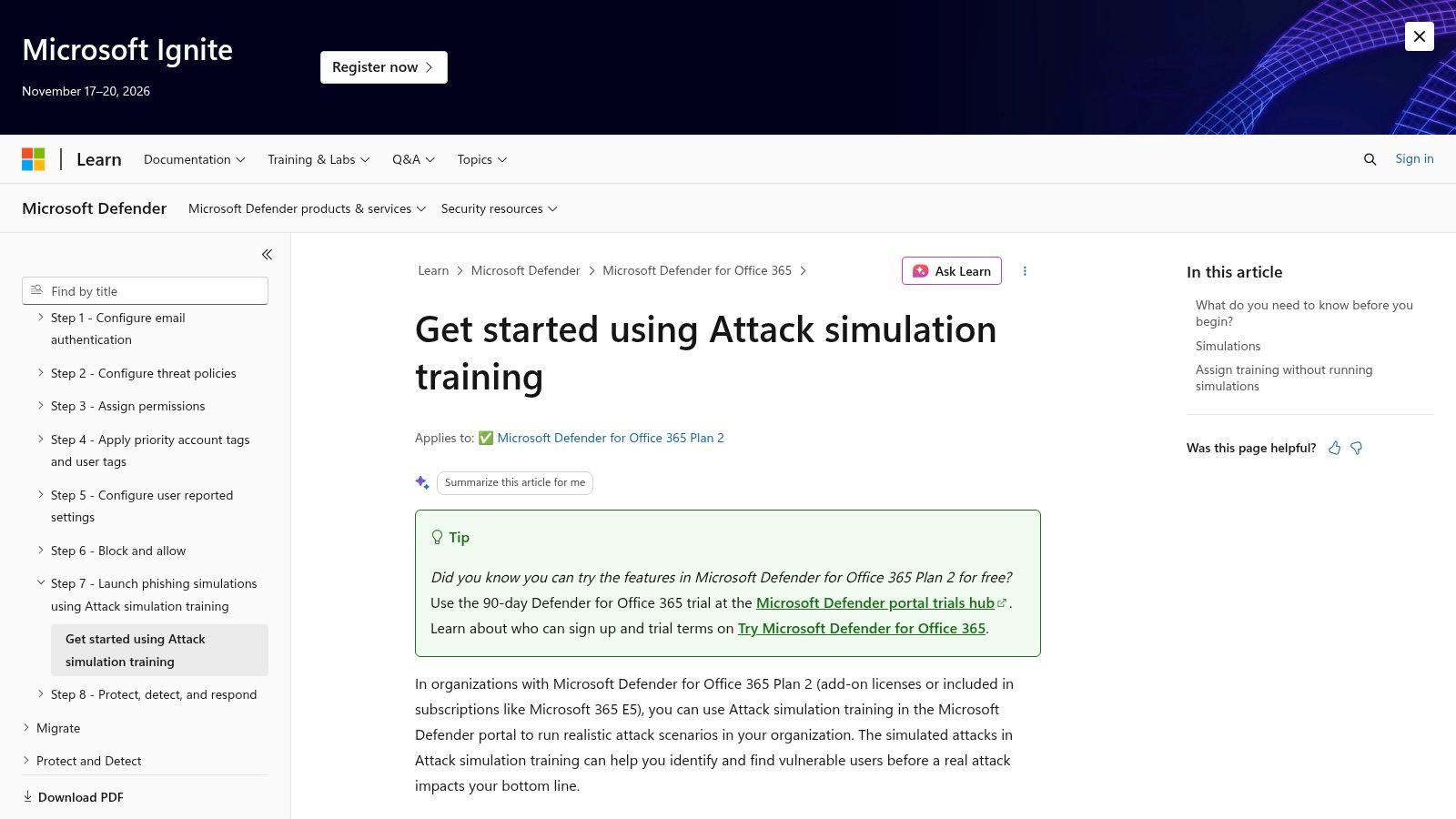
Microsoft Defender for Office 365 Attack Simulation Training is the practical choice for organizations that already operate inside Microsoft 365 and hold the required licensing. The capability is tenant-native, so administrators can target users, configure payloads, automate recurring exercises, and review analytics within the Microsoft security environment.
That native position has an immediate operational benefit. Teams don't need to introduce another agent or build a separate identity integration for core Microsoft 365 targeting. Microsoft threat intelligence and tenant email data can also support more relevant targeting than a disconnected simulation system.
The licensing gate
The main constraint is licensing. Attack Simulation Training requires Defender for Office 365 Plan 2 or Microsoft 365 E5, so the apparent marginal cost can be low for an organization that already owns the entitlement, but the capability isn't a universal low-cost option. Buyers should confirm which users are covered and whether the existing license includes every required simulation and reporting feature.
Microsoft's Attack Simulation Training documentation is the right starting point for validating tenant requirements, targeting controls, payloads, and campaign automation. The product is especially attractive to Microsoft-centric IT teams that want fewer vendors and centralized administration.
The trade-off is learner experience. Compared with dedicated security awareness suites, Microsoft's content and coaching can feel less media-rich or engagement-led. It may test email behavior effectively without providing the same depth of gamification, Slack-native microlearning, or cross-channel coaching.
Teams should also distinguish a tenant integration from a complete behavior-change program. A phishing simulation meaning guide can help frame the difference, but the evaluation should focus on whether employees receive timely remediation and whether administrators can export useful trend data, not only whether a campaign can be launched.
6. Hoxhunt
Hoxhunt treats phishing simulation as an engagement product. Its operating model combines AI- and behavior-driven campaigns, real-time feedback, micro-coaching, and gamification through points, levels, and leaderboards. That makes it a strong candidate for organizations where the central challenge is not the absence of content, but the difficulty of getting employees to participate consistently.
The platform's personalization approach is designed to adjust campaigns to individual behavior. In principle, that is more useful than repeatedly sending identical templates to every department because it can make training more relevant and avoid turning the exercise into a simple pattern-recognition game.
Engagement has a measurement cost
Hoxhunt's phishing training platform reports a global reporting benchmark of around 20% from Verizon DBIR in its 2026 trend material. The same material says reporting success rose from 34% to 74% after 12 simulations and reached 80% after 14 simulations. Those figures are vendor-reported benchmark data, not a guarantee for every deployment, so buyers should ask how the company defines a report, simulation success, and an active user.
The platform's engagement model can reduce manual campaign work because automation handles much of the individualization and follow-up. It may also suit organizations that want employees to see reporting suspicious messages as a positive behavior rather than as an administrative burden.
Measure the habit, not the leaderboard: A high participation score is useful only if employees report real suspicious messages and improve across varied scenarios.
Pricing is quote-based and generally oriented toward mid-market and enterprise buyers. Some buyers may find it more expensive than basic security awareness tools, while smaller organizations may not benefit from the full personalization and gamification model. Teams comparing phishing simulation training should validate whether Hoxhunt's feedback remains useful across email, collaboration tools, and other channels they use in practice.
7. Fortra Security Awareness Training
Fortra Security Awareness Training, formerly associated with Terranova Security, is designed for organizations that want control over content, workflows, languages, and scenario types. It supports phishing, smishing, and vishing simulations, alongside nanolearning modules that can reinforce the right behavior after a user interacts with a simulated attack.
Its strength is customization. Global teams can tailor campaigns to role, geography, language, and risk context instead of relying on a single generic message for every employee. A campaign builder with workflow automation can also coordinate testing and remediation across a larger training program.
A good fit for controlled global rollouts
Fortra's security awareness training platform suits regulated or multinational organizations that need content governance and broad scenario coverage. The inclusion of SMS and voice simulations is important for teams trying to test beyond email, while nanolearning can provide a more immediate intervention than assigning a long course after a failure.
The product asks more from administrators than a highly automated, opinionated platform. Deep configuration can improve relevance, but it also creates decisions around translations, workflow rules, campaign timing, target groups, and escalation. Quote-based pricing means buyers need to scope those options rather than assuming the base proposal includes every channel and language.
Fortra is also a better match for deliberate program design than for teams that want to install a tool and leave it largely unattended. Administrators should request a demonstration of the campaign builder, test how localized content is reviewed, and check whether reports distinguish clicks, reports, repeat failures, and remediation completion.
Implementation question: Ask the vendor to build one realistic multilingual campaign during evaluation. The effort required will reveal more than a feature list.
8. IRONSCALES Integrated Cloud Email Security
IRONSCALES is aimed at organizations that want email protection, phishing simulation, and security awareness training from one vendor. Its operating model joins technical email detection and response with human-risk measurement, which can reduce vendor sprawl for teams already looking to consolidate their email-security stack.
The platform supports Microsoft 365 and Google Workspace integrations without MX changes according to the product information supplied for this comparison. Plans describe unlimited phishing tests in some tiers, while consolidated reporting brings email protection and awareness activity into a single administrative environment.
Consolidation can be the main feature
The IRONSCALES platform makes sense when the security team values a single-vendor workflow more than specialized depth in every area. Rapid deployment and integrated reporting can simplify ownership, particularly for a lean team that doesn't want to connect separate email-security and awareness consoles.
That convenience has a boundary. If the organization only needs phishing simulations, buying a broader email-security platform may introduce capabilities and cost that aren't necessary. Pricing is primarily quote-based and can vary by channel or partner, so buyers should separate the cost of email protection from the cost of simulation and training.
Teams should test message delivery carefully. Any email-security product that also delivers simulations must avoid treating its own simulated messages as malicious, and existing controls may require tuning. The evaluation should include allowlisting, reporting-button behavior, administrator roles, and how remediation data moves between the email-security and training components.
IRONSCALES is therefore an ecosystem decision. It is less compelling for Slack-first organizations that want learning in the collaboration workflow, but more compelling for email-centric teams that want detection, response, simulation, and awareness reporting under one operational roof.
9. SafeTitan
SafeTitan from TitanHQ focuses on behavior-driven awareness for SMBs and MSPs. Its appeal is practical: quick deployment, automated phishing campaigns, real-time intervention coaching, scheduling, and integrations with Microsoft and Google Workspace. MSP-friendly multi-tenant workflows allow providers to manage multiple customer environments without treating every account as a separate operating model.
The platform's coaching loop matters more than its template count. When a user takes an unsafe action, SafeTitan can present intervention guidance at the moment of failure. That gives an administrator a way to reinforce the decision while the simulated event is still fresh.
Why MSPs should look closely
SafeTitan's security awareness training product is suited to providers that need repeatable deployment, client-level administration, automation, and straightforward reporting. SMBs can also benefit from the approachable administration model if they don't have a dedicated awareness specialist.
The trade-off is enterprise depth. Advanced governance, content breadth, and complex integration requirements may not match the capabilities of the largest suites. Public pricing is calculator- or quote-based rather than fixed, so an MSP should evaluate multi-tenant licensing, white-label options, customer separation, and reporting exports before committing.
For MSP buyers: The important question isn't whether the platform supports multiple tenants. It's whether routine campaign management stays efficient as clients use different mail systems, policies, and reporting requirements.
SafeTitan is a sensible choice for organizations that want a manageable program rather than a heavily engineered enterprise deployment. It becomes less attractive when a security operations team needs deep phishing-response integration, highly customized multilingual content, or advanced cross-channel simulations.
10. Mimecast Engage Awareness Training
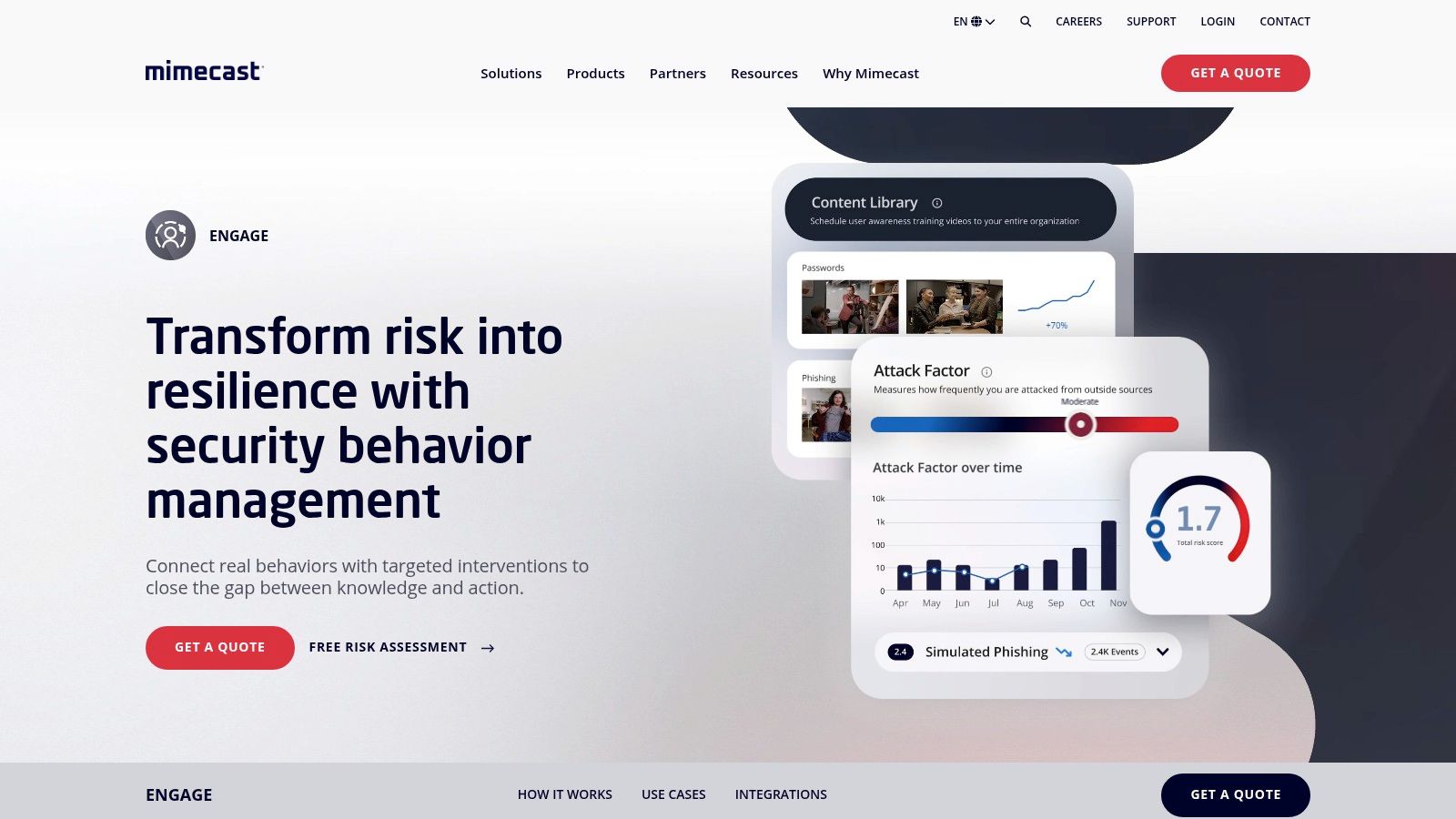
Mimecast Engage Awareness Training is designed for organizations already standardizing on Mimecast's email and collaboration security stack. It combines phishing simulations, automated training, human-risk analytics, and a large training library, giving existing Mimecast customers a way to extend their security program without introducing another awareness vendor.
The Human Risk Dashboard is central to the operating model. It gives administrators a way to view employee risk and program activity alongside the broader Mimecast environment. Automated campaigns and single- or multi-page simulation templates support recurring testing, while the product information lists more than 200 training modules.
Integration is valuable only when administration improves
Mimecast's Engage Awareness Training product is most compelling when the organization already uses Mimecast and wants cohesive reporting, automated testing, and human-risk visibility. It can be less attractive as a standalone purchase because much of its value comes from the broader ecosystem.
Pricing is primarily quote-based and may be packaged within Mimecast plans. Administrators may also need to tune allowlisting and secure email gateway settings so simulations reach users reliably without being blocked or altered. That implementation work should be included in the evaluation rather than treated as a minor technical detail.
A buyer should compare the dashboard with the reports leadership and auditors need. Can the team distinguish failure, reporting, repeat behavior, and remediation? Can it export evidence without manual reconstruction? Those questions reveal whether integration is reducing work or just moving it into another console.
Mimecast is therefore a good fit for an email-security-led organization, but a weaker choice for a team seeking Slack-native learning, highly gamified engagement, or a transparent standalone price.
Top 10 Phishing Simulation Tools, Feature Comparison
| Solution | Core features ✨ | UX / Quality ★ | Price & Value 💰 | Target audience 👥 | Unique selling points |
|---|---|---|---|---|---|
| Vigil Security 🏆 | Slack-native microlearning: 4-min lessons, weekly Streams, phishing sims, workflow automations | ★★★★☆, high engagement, fast setup, audit-ready evidence | 💰 $2/seat/mo (annual, min 25); 14‑day trial | 👥 Slack-first CISOs, Security/GRC, IT, People Ops | ✨ BYOK AI, Vanta/Drata sync, native in‑flow Slack delivery |
| KnowBe4 Security Awareness | Massive content & phishing template library; automated campaigns | ★★★★☆, mature reporting, benchmarking | 💰 Quote-based; can be premium at renewal | 👥 Large orgs needing broad scenario coverage | ✨ Largest template catalog, LMS options |
| Cofense PhishMe | Playbook-driven multi-month campaigns; lures/landing pages | ★★★★☆, enterprise playbooks, operational focus | 💰 Quote-based enterprise pricing | 👥 Large orgs combining sims with incident response | ✨ Playbooks + Cofense Reporter/PDR closed‑loop |
| Proofpoint ThreatSim | Threat-intel driven templates; phishing, SMS, USB sims | ★★★★☆, realistic lures, enterprise reporting | 💰 Quote-based; often packaged with Proofpoint | 👥 Enterprises standardizing on Proofpoint stack | ✨ Live telemetry tie‑ins for realistic targeting |
| Microsoft Defender for O365 – AST | Tenant-native attack sims using M365 telemetry | ★★★★, integrated analytics, tenant-first UX | 💰 Included with Defender Plan 2 / M365 E5 licenses | 👥 Microsoft-centric enterprises (E5/Plan2) | ✨ No extra agents; leverages M365 identity/telemetry |
| Hoxhunt | AI-driven personalization, micro-coaching, gamification | ★★★★☆, high engagement via gamified UX | 💰 Quote-based, mid‑market/enterprise focus | 👥 Mid-to-large orgs wanting personalization | ✨ AI personalization, leaderboards, points system |
| Fortra (Terranova) | Phish/smish/vish sims, nanolearning, multi-language | ★★★★, deep customization, global readiness | 💰 Quote-based; configurable tiers | 👥 Global teams needing localization and control | ✨ Nanolearning + multi‑language campaign builder |
| IRONSCALES | Integrated email detection + phishing sims + SAT | ★★★★, consolidated reporting, rapid deploy | 💰 Quote-based; tiered by channel/partner | 👥 Orgs wanting single‑vendor detection+training | ✨ Detection + simulation + training in one platform |
| SafeTitan (TitanHQ) | Automated sims, real-time coaching, MSP multi‑tenant | ★★★★, quick deploy, MSP/SMB friendly UX | 💰 Quote/calculator-based; cost-effective for SMBs | 👥 SMBs and MSPs needing easy multi‑tenant ops | ✨ MSP workflows, fast setup, real‑time intervention |
| Mimecast Engage | Phishing sims + 200+ training modules, human risk analytics | ★★★★, risk dashboards, automation | 💰 Quote-based; often bundled with Mimecast plans | 👥 Teams using Mimecast for email security | ✨ Human Risk Dashboard, tight integration with Mimecast stack |
Choose the Operating Model, Not the Longest Feature List
The right phishing simulation tools reflect how your organization works. A platform can have excellent templates and still fail if employees rarely complete the training, administrators can't maintain campaigns, or the reporting doesn't connect to the systems used by security and compliance teams.
Choose Vigil Security for a Slack-first organization that wants short lessons, recurring coaching, Slack-delivered phishing simulations, and audit-ready evidence. Its main advantage is workflow fit. Employees learn where they already communicate, while security and GRC teams can use automated assignments, progress reporting, certificates, and Vanta or Drata synchronization. The limitation is equally clear: teams with a substantial non-Slack population need another delivery model.
Choose Microsoft Defender for Office 365 Attack Simulation Training when Microsoft 365 and Defender already form the center of the security environment. Its tenant-native administration can avoid another tool, but buyers must confirm that Plan 2 or E5 licensing covers the required users and functionality.
Choose KnowBe4 when content breadth, mature reporting, and a broad support ecosystem are the priorities. Choose Cofense when phishing reporting, detection, triage, and response need to operate as one security program. Choose Proofpoint ThreatSim or Mimecast Engage when the organization already depends on those email-security ecosystems and wants human-risk capabilities connected to existing telemetry and controls.
Choose Hoxhunt for an engagement-led program that uses personalization, micro-coaching, and gamification to encourage reporting. Choose Fortra when administrators need deep customization, multilingual delivery, and email, SMS, and voice scenarios. Choose IRONSCALES when consolidating email defense and awareness under one vendor is more valuable than buying a specialized simulation product. Choose SafeTitan when an SMB or MSP needs approachable administration, automation, and multi-tenant workflows.
The evidence also argues against treating a single click-rate reduction as proof of durable behavior change. A 2019 field experiment published in PLOS One found that after participants experienced a phishing email, link clicks fell by 9 percentage points and password entry fell by 8 percentage points. That result supports simulation as a useful intervention, but it doesn't remove the need for repeated exercises, varied channels, and reporting behavior.
Before signing, run a structured evaluation. Test campaign controls, message delivery, Microsoft or Google integrations, Slack or collaboration workflows, coaching after failure, reporting exports, evidence synchronization, licensing requirements, and the administrator effort needed to maintain the program. Ask each vendor to demonstrate a realistic campaign, a failed-user remediation path, a report-rate trend, and an audit export using your own organizational requirements. The best tool isn't the one with the longest feature list. It's the one your team can operate consistently in the channels where employees make security decisions.
Vigil Security delivers short, interactive security awareness lessons and phishing simulations directly inside Slack, with recurring microlearning, instant coaching, automated workflows, and audit-ready evidence for distributed teams. If your organization wants to compare Slack-native behavior training with traditional email-led phishing simulation tools, visit Vigil Security and evaluate the platform against your current workflow.