Someone asks for a training update in Slack, and you realize the answer still requires opening an admin portal, finding their record, and copying a result back. A slash command looks like the obvious fix. Then the harder questions arrive: who can request someone else's progress, where does the reply appear, and will employees remember which command to use?
Slack slash commands are both a user interface and a security surface. A useful implementation needs more than a working endpoint. It needs a clear purpose, predictable responses, request verification, and permissions that still hold when another workspace installs the app.
Choose a Slash Command Over a Shortcut or Workflow
When does a slash command beat a shortcut or workflow? Start with what the employee knows at the moment they act: the parameters they want to enter, the message they're looking at, or the process they need to start.
Slack's shared slash-icon interface brings commands, shortcuts, and workflows closer together. Its updates and changes documentation also describes workflows launched from the message field and support for the built-in /remind command in threads. Context matters as much as syntax, but don't assume a built-in command's thread behavior applies to your custom app.
Slash commands, shortcuts and workflows compared
| Entry point | Starts from | Best for | Watch out for |
|---|---|---|---|
| Slash command | Typing / in the message composer |
Actions that need typed parameters | Name clashes and low discoverability |
| Shortcut | Shortcut menu or a message action | One-click actions on a single message | Vague labels that hide what will happen |
| Workflow | Workflow Builder or the message field | Multi-step sequences without custom code | Different permissions and failure behavior from app commands |
Choose a slash command when someone can express their intent with a short parameter, such as a project name or lookup term. Choose a message shortcut when the message itself supplies the context. Choose a workflow when the job is a sequence of forms, approvals, or notifications that supported workflow steps can handle without custom code.
More commands don't automatically mean more adoption. Employees need to know which action they can trust.
Before adding another entry point, establish a shared command prefix, precise help text, and a named owner. Define what users see when the backend is unavailable, including whether retrying is safe.
Test discoverability with someone who didn't build the app. Ask them to find and start the task without instructions. If they choose the wrong action, improve the label or entry point before adding documentation.
Set Up a Slash Command Step by Step
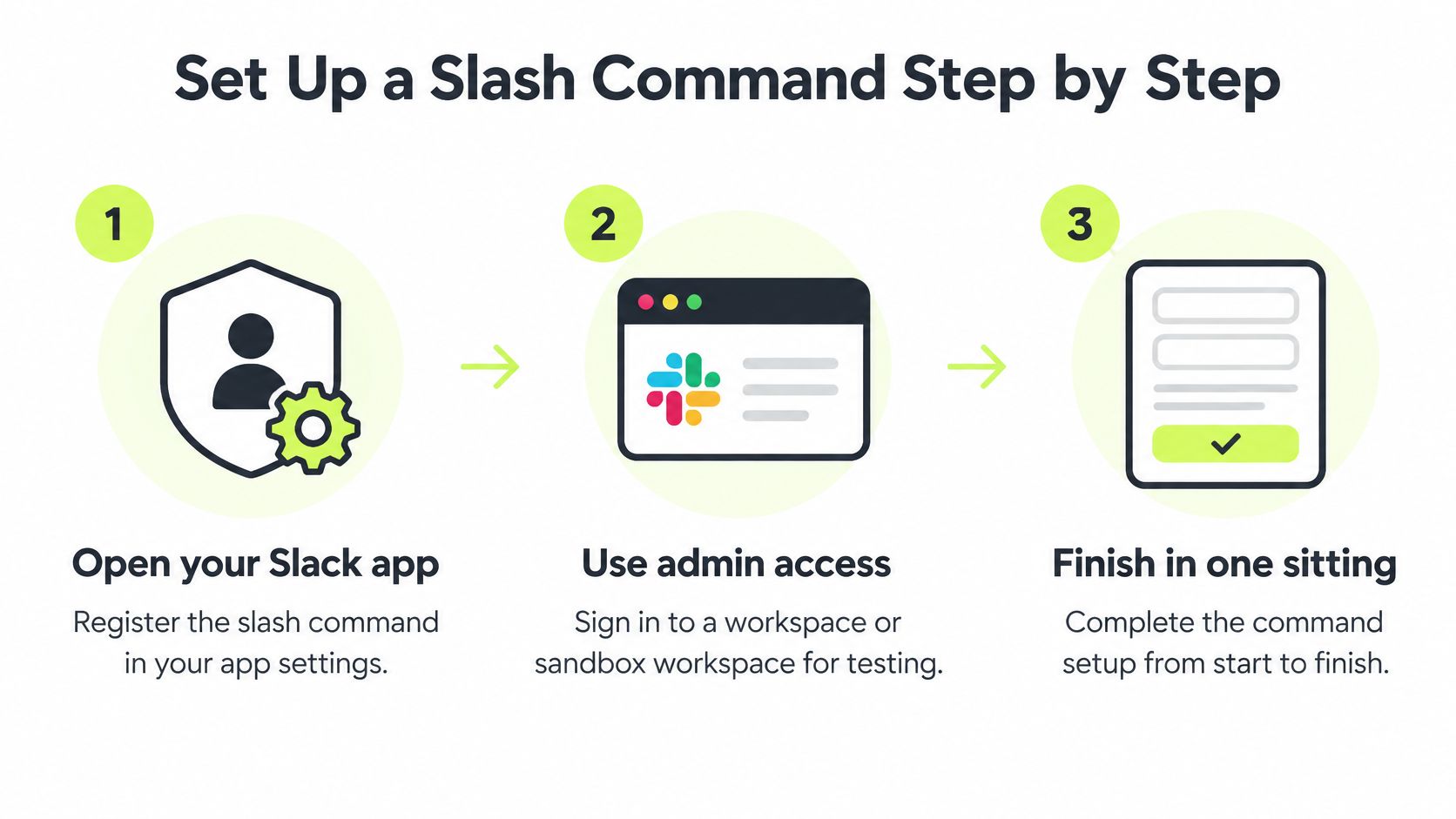
Register the command on a Slack app, using a sandbox workspace and an account permitted to install or approve apps.
Register the command and endpoint
Open your Slack app settings. Select the app associated with your test workspace. Check the app identity carefully if your organization maintains separate development and production apps.
Select Slash Commands under Features. Choose Create New Command. Keep the initial implementation narrow enough that you can test its complete behavior, including errors.
Enter the trigger. For an illustrative training app, use
/vigil. The word after it, such aslearnorprogress, arrives as text for your server to interpret. You register the root command, not a separate command for every subcommand.Set the Request URL. Supply an HTTPS endpoint that accepts POST requests. Route it to your verified command handler, not directly to a function that starts assignments or returns records.
Write the description and usage hint. A hint such as
[learn or progress]makes the available actions visible before submission. The description should explain the outcome, not merely repeat the app's name.Save and complete installation. Install or reinstall when Slack requires authorization for the command or changed scopes. Confirm that you're authorizing the intended workspace rather than assuming the app dashboard selection controls every installation.
Keep names short, lowercase, and distinct from built-in commands such as /remind. Put the primary subcommands in the usage hint, then provide a fuller help response for arguments that won't fit comfortably there.
Make the backend contract explicit
Before implementing business logic, define what happens for an empty argument, an unknown subcommand, and an unavailable dependency. An empty command should normally return help. An unknown action should explain valid choices without exposing an exception or stack trace.
For the surrounding app architecture, PullNotifier's guide to build custom apps with Slack APIs is a useful companion when you're deciding how commands fit alongside other application interactions.
Setup check: A registered command proves that Slack knows where to send a request. It doesn't prove that your server can safely act on it.
Type /vigil learn in a private test channel. Confirm that the composer displays the intended hint and that your endpoint receives the invocation. Keep the handler in a non-mutating test mode until verification and authorization are working.
A private channel is useful for testing presentation, but it isn't an authorization boundary. Your backend still needs to decide which user and workspace may perform the requested operation.
Response Types, Timing and Visibility
Acknowledge promptly, then perform slow work separately. Don't keep the initial request open while generating a report, waiting for another service, or retrying a database operation.
According to Slack's slash-command implementation documentation, invoking a command sends an HTTP POST to the app's configured Request URL with command text and contextual information. Treat that request as a structured application event, not ordinary channel text. Use the Slack app model rather than building a new legacy custom integration.
The form-encoded payload includes fields such as command, text, user_id, team_id, channel_id, and response_url. After verification, parse those fields and validate the expected command and argument structure.
Slash command response methods compared
| Response method | Who sees it | Time limit | Best used for |
|---|---|---|---|
| Ephemeral acknowledgment | Only the user who typed the command | During the initial acknowledgment window | Personal progress lookups and confirmations |
| In-channel response | Everyone in the channel | During the initial acknowledgment window | Announcements safe for the whole group |
response_url follow-up |
Invoking user or channel, according to response type | Within the response URL's supported lifetime and usage limits | Slow lookups after an immediate acknowledgment |
| Empty acknowledgment, reply later through the API | Audience selected by the API operation | Acknowledge immediately, deliver separately | Long-running tasks such as report generation |
Default to ephemeral for information about an individual. An in-channel reply should be an explicit product decision, not an accidental consequence of reusing a response template. Review the information you return using the same principles you apply to privacy and data protection.
For example, a personal progress lookup can return a private summary immediately when the record is available. A manager's roster request may need a background job, followed by a private result after server-side authorization. Don't post the roster publicly just because the request started in a shared channel.
Test the complete response path
Use a synthetic, correctly signed form-encoded payload to test the endpoint without real employee information. Check the HTTP status, response content type, and message structure, then invoke the command from Slack to verify actual rendering.
A healthy interaction gives the employee either a result or a clear acknowledgment. If work continues in the background, say what's running and deliver an explicit success or failure outcome. An empty acknowledgment is valid transport behavior, but it isn't a useful interface unless a follow-up reliably arrives.
Verify Every Request Before Your Server Acts
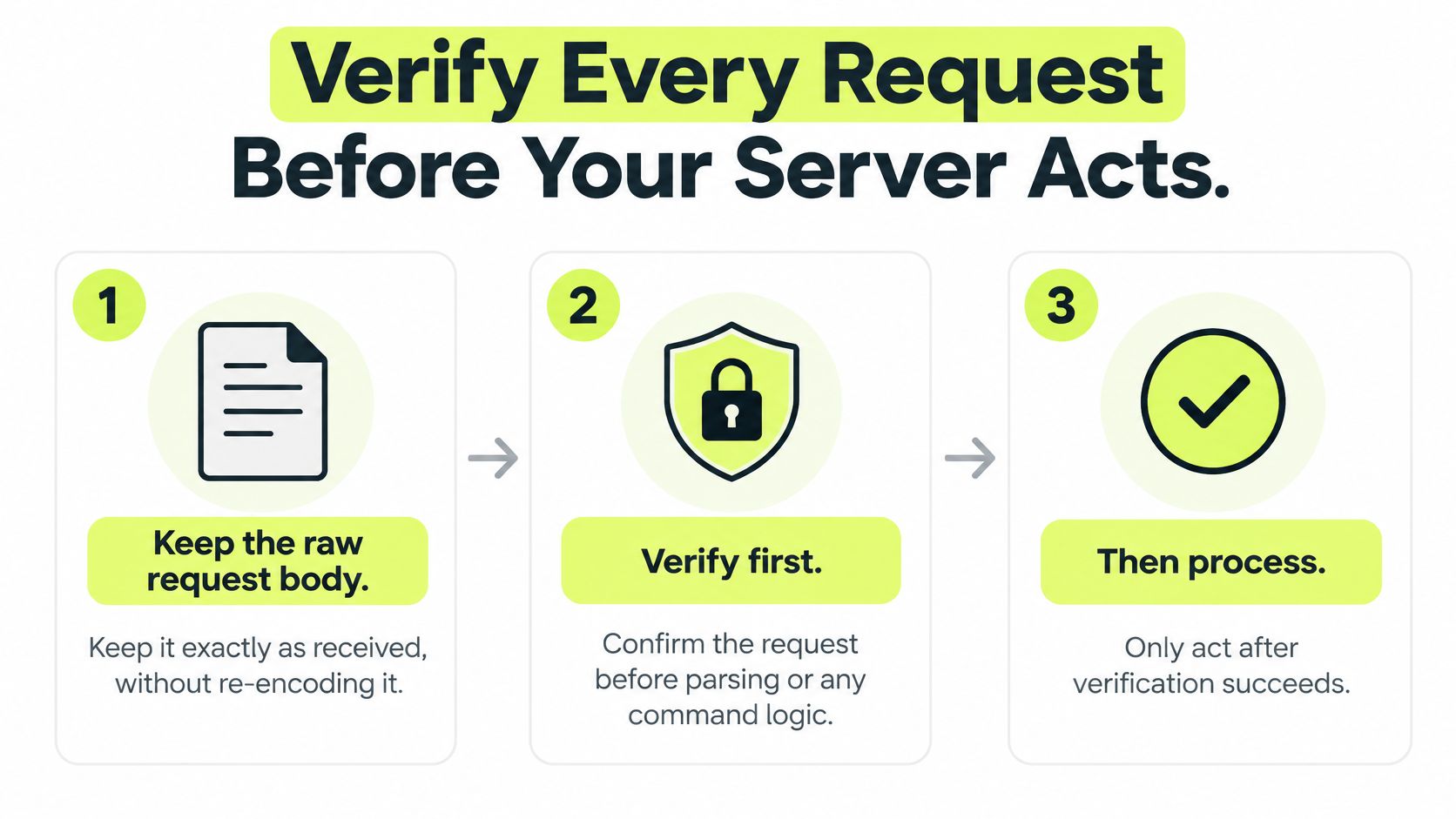
Verify the request before parsing command arguments or executing application logic. Configure your framework carefully: automatic form middleware can consume or transform the body before your verifier sees it.
Validate the original request
Preserve the raw body. Retain the exact bytes of the
application/x-www-form-urlencodedpayload. Don't decode and reconstruct it for signature checking.Read
X-Slack-Request-TimestampandX-Slack-Signatureusing case-insensitive header access. Missing or malformed headers should fail closed.Apply a freshness policy. Reject materially stale timestamps and unreasonable future timestamps. Maintain a short-lived replay record, such as timestamp plus signature, when your threat model requires duplicate-request detection.
Compute the signature. Slack's request-verification documentation specifies HMAC SHA-256 signing; construct
v0:{timestamp}:{raw_body}with the app's signing secret and format the result for comparison with the supplied signature.Compare using a constant-time operation from your language's cryptographic library. Don't substitute ordinary string equality.
Reject failures before acting. Return an unauthorized response without executing the command or logging its raw contents. Only verified requests should reach parsing and authorization.
Avoid the verification shortcuts
The deprecated token field isn't a replacement for signature verification. Neither is a hard-to-guess endpoint path. Anyone who can reach your public URL can attempt to submit a request.
Raw-body logging is another common mistake. Text entered after a command can contain sensitive details, and a response_url should be treated as a credential. Redact both from routine request traces, error reports, and reverse-proxy diagnostics.
Replay protection and business idempotency solve different problems. A replay record detects repeated delivery of the same signed request. An idempotency key prevents separate invocations from creating the same business action twice.
For an illustrative /vigil learn operation, combine workspace, user, command, and assignment operation with the relevant assignment identity. Enforce uniqueness atomically in your datastore so concurrent requests can't both start the same lesson. Don't permanently suppress legitimate future requests merely because their text matches.
A valid signature establishes request authenticity. It doesn't make the requested action authorized or safe to repeat.
Review the endpoint with a compact checklist: raw-body preservation, missing-header rejection, freshness handling, constant-time comparison, redacted diagnostics, and atomic duplicate-operation protection. Test failure paths deliberately, not just a correctly signed request.
Limit Who Can Run Commands and What They Reach
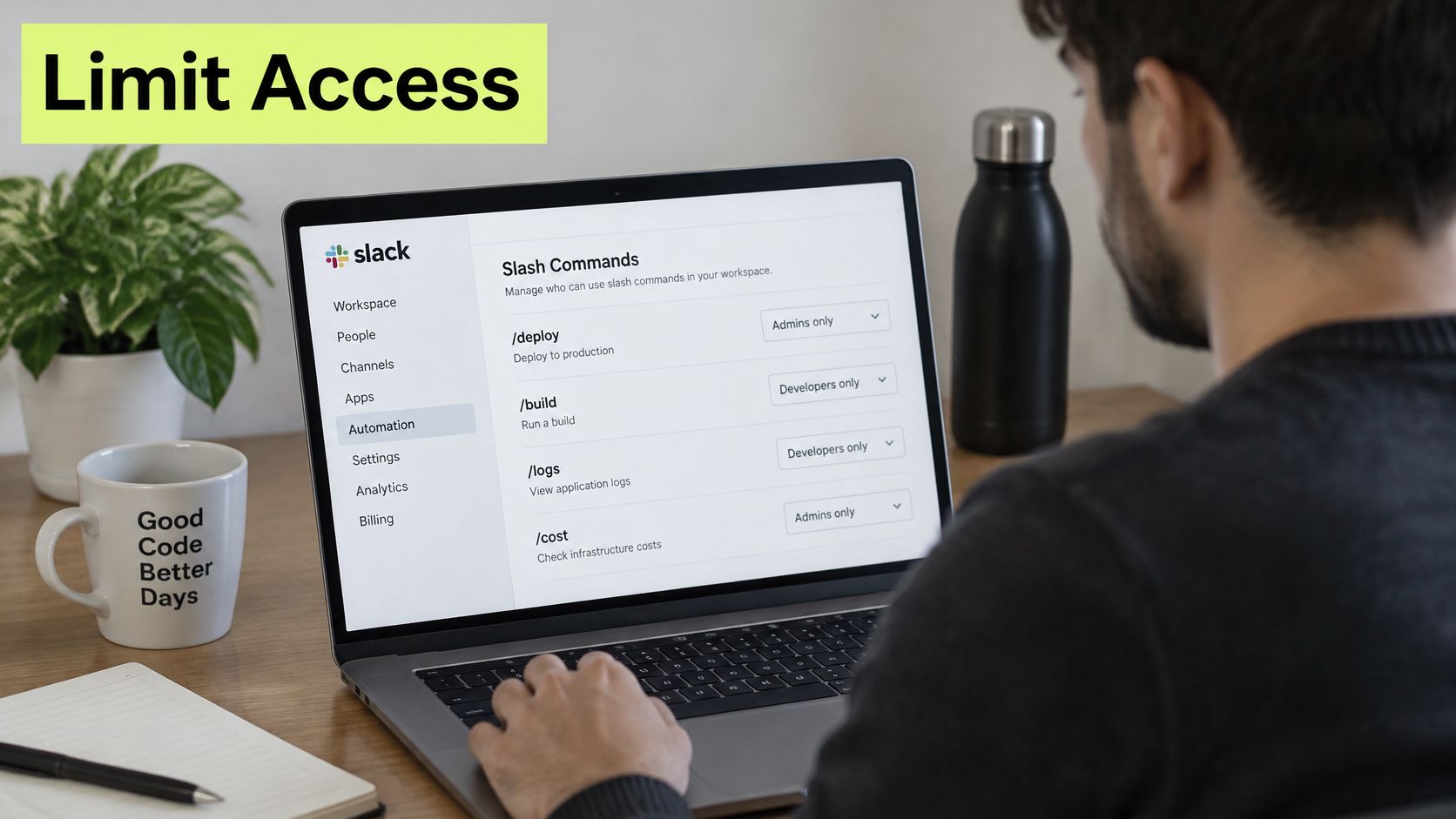
Authentication establishes that Slack sent the request. Authorization decides what the caller may do. A signed request can still ask for another person's records or target an operation the user shouldn't perform.
Slack's developer changelog recap describes optional OAuth scopes and tooling that exposes who can run triggers. Optional scopes let supported capabilities request access when needed rather than making every permission an installation prerequisite. Trigger visibility is useful, but it doesn't replace backend authorization for slash commands.
Map each action to its data
| Command action | Allowed access | Server-side boundary |
|---|---|---|
| Personal progress | Read the caller's own record | Resolve identity from the verified workspace and user |
| Start learning | Start an assignment belonging to the caller | Check assignment ownership and current state |
| Administrative roster | Read authorized team records | Check the caller's current administrative role |
| Training reminder | Notify an approved person or group | Validate both administrative authority and target scope |
Apply least-privilege access at both layers: OAuth permissions constrain the app's platform capabilities, while your server constrains access to application records. A broad scope doesn't entitle every employee to every operation.
Bind authorization to the expected app, command name, and team identifier. Include the workspace boundary in database queries and cache keys so an installation in another workspace can't reach the first workspace's records.
Review permission changes as operational changes
Record actor identity, workspace, operation, outcome, and an internal correlation identifier. Keep sensitive argument text out of the audit trail, and define who can access logs and how long they're retained.
Review installation approvals, relevant trigger permissions, and server-side roles after permission changes. Don't assume the person who installed the app remains the correct owner indefinitely.
Before approval, answer these questions:
- Access: What data can this command read or modify?
- Execution: Who may invoke each operation?
- Logging: What information is retained?
- Change: What happens to permissions after installation?
Troubleshoot Common Slash Command Failures
Match the symptom to the failing layer before changing code.
- Command missing from the composer: Confirm the installation workspace and check whether Slack requires reauthorization after your configuration changes.
- Dispatch failure or timeout: Inspect endpoint availability and acknowledgment latency. Move dependency calls into a background worker instead of extending the synchronous request.
- Every request is unauthorized: Compare the configured signing secret with the correct app's credentials. Check whether middleware changed the raw body before hashing.
- Duplicate lessons start: Inspect the datastore constraint behind the idempotency key. A read-then-write check can fail under concurrent requests.
- Empty or invalid reply: Validate the response serialization and content type. Distinguish an intentional empty acknowledgment from a missing message or failed follow-up.
- Command name clash: Choose a distinct trigger and test which installed app handles it. Don't assume the composer will route an ambiguous name as intended.
Keep diagnostics useful
Log the team identifier, command, timestamp, outcome, and correlation identifier, not the text argument. Associate background-job events with that identifier so you can trace a complaint from invocation through final delivery without retaining sensitive input.
Pilot Your Command With One Team First
Run a controlled pre-launch pass before making the command broadly available. Use ordinary employee accounts as well as administrators, because higher permissions can hide authorization defects.
Pre-launch checks
Exercise input handling. Submit the command without text, with valid input, and with an unsupported argument. Bad input should produce helpful usage guidance, not an internal error.
Check actual visibility. Observe personal replies from a different account in the channel. Confirm that private results aren't exposed through follow-up messages or error notifications.
Submit repeated invocations in quick succession. Verify the resulting application state, not just the acknowledgment text.
Reinstall deliberately. Remove and reinstall the test app, checking that expected configuration and permission changes apply without stale installation records.
Pilot with a small team. Ask employees to find the command unaided, then collect feedback on names, hints, and failure messages. Review logs for actor identity and outcomes without sensitive arguments.
For a compliance training software pilot, our employees' entry points are /vigil learn for the next assigned lesson, /vigil progress for personal progress, and /vigil report to flag a suspicious message. Admins can see completion, comprehension, and overdue training, and nudge a person or a channel.
Roll out only when the checks pass and employees can use the command without coaching. Assign an owner and schedule a review of scopes, response visibility, and audit logging before expanding the command set.
Vigil Security delivers security awareness and compliance training inside Slack, with delivery, reminders, grading, and certificates handled without a separate portal or password. Visit Vigil Security to explore Slack-native training that gives employees clear actions and administrators visibility into training progress.