You open the shared drive because a customer asked for your security plan before signing. The folder has a policy from two years ago, a training slide deck nobody finished, and a contact list that still names someone who left. Nothing says who can lock a laptop at 2 a.m., or who signs off if billing files leak. That gap is what information security plans are supposed to close. A useful plan is a set of routines with names, dates, and proof, not a PDF approved once and forgotten.
What an Information Security Plan Does for Your Organization
Think of a building's fire evacuation plan. The paper does not put out fires. It decides who calls for help, where people go, and who checks the rooms, so people act correctly when the alarm is loud and the hallway is smoky.
An information security plan is the written, approved set of decisions about how your organization finds risks, protects data and systems, spots trouble, responds, and keeps people trained to do their part. It links strategy to daily work. "Protect customer data" becomes a named owner, a rule, and a procedure someone has practiced.
Any organization that stores customer or employee data, uses cloud services, or must meet customer or regulatory requirements needs one. That includes distributed teams with no shared office and no hallway reminders.
You do not have to invent the structure. In 2025, 56% of U.S. organizations surveyed reported using a formal risk-management framework, such as the NIST Risk Management Framework, according to CompTIA's State of Cybersecurity 2025 report. A plan usually hangs on a recognized structure, then names the local decisions. If you are sorting policies, controls, and oversight, a clear view of what GRC covers keeps those pieces from collapsing into one vague document.
A plan is useful only when it names owners, decisions, and evidence you can show.
Six Core Components Every Plan Needs
A complete plan has six components. Each one produces an artifact you can hand an auditor or a new hire. If a component has no owner and no output, that part of the plan is unfinished.
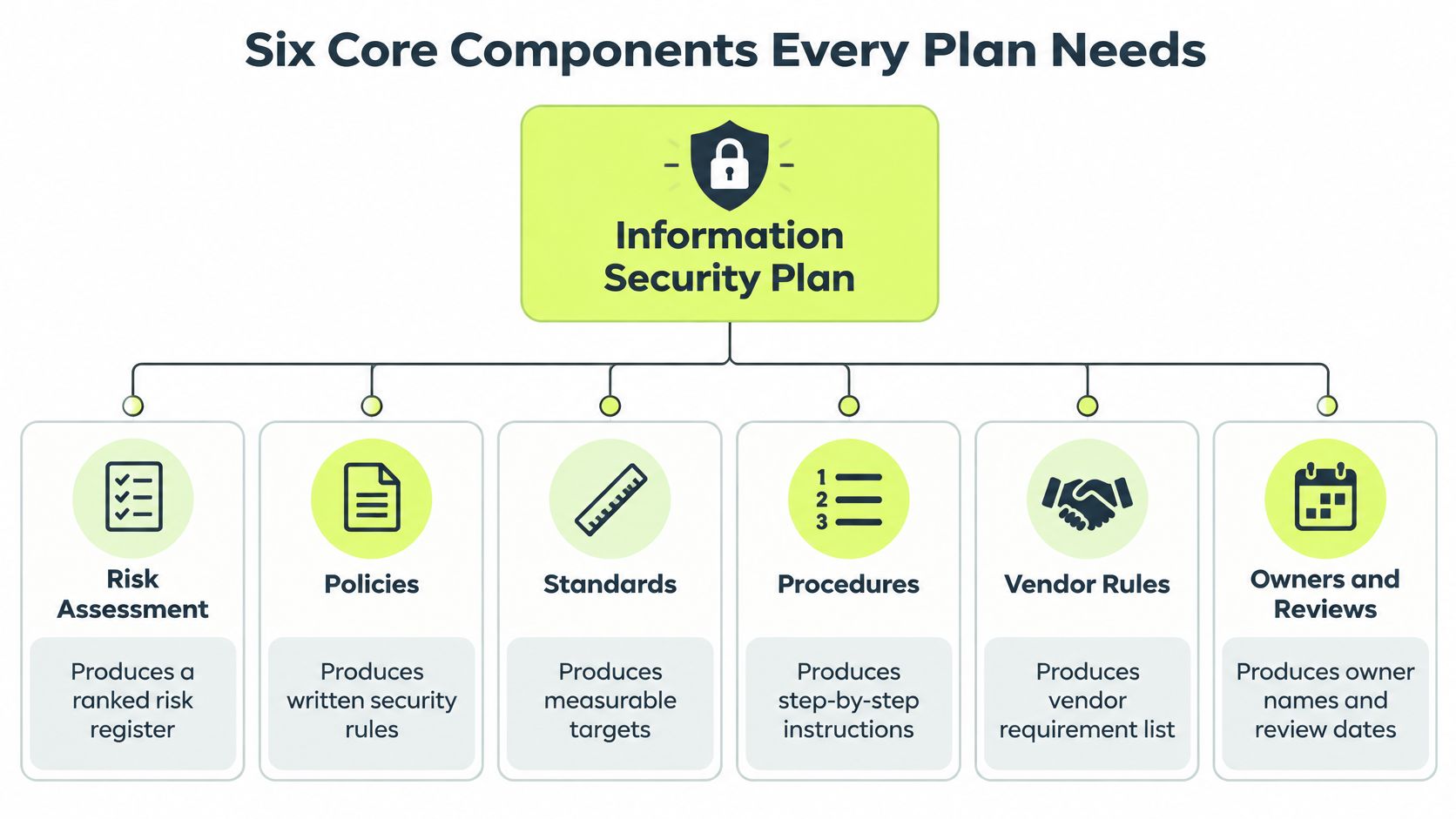
| Component | Purpose | Typical Output |
|---|---|---|
| Risk assessment | Identifies what could go wrong and how likely and costly it would be | Ranked risk register |
| Security policies | Sets the rules for acceptable behavior and decisions | Approved policy set |
| Security controls | Applies technical and procedural safeguards to each risk | Control list mapped to risks |
| Incident response | Defines how incidents are detected, contained and recovered | Response playbook and contact list |
| Training and awareness | Builds behavior people apply in their daily work | Role-based curriculum and completion records |
| Governance and review | Assigns ownership and keeps the plan current | Named owner, approval record and review date |
Risk assessment comes first because it decides which controls and lessons matter. Governance and review wraps the other five so names, approvals, and review dates stay current. The middle four turn those risks into rules, safeguards, a response playbook, and training records. They do not have to live in six separate binders. Many teams keep one plan and link the outputs as appendices.
Say a 40-person company stores billing data in a cloud file share. A public share link outranks a missing laptop sticker, because anyone with the link can open invoices. That rank is why the access policy and the sharing control get written before a sticker procedure.
List the six components in your draft today. Next to each one, write the output you already have, or write "missing."
How to Run a Risk Assessment Before Writing the Plan
Keep the same 40-person remote company in view. Customer billing data sits in a cloud file-sharing tool. Staff use company laptops from home. The register you finish here is what the policies and controls in the next pass will cite.
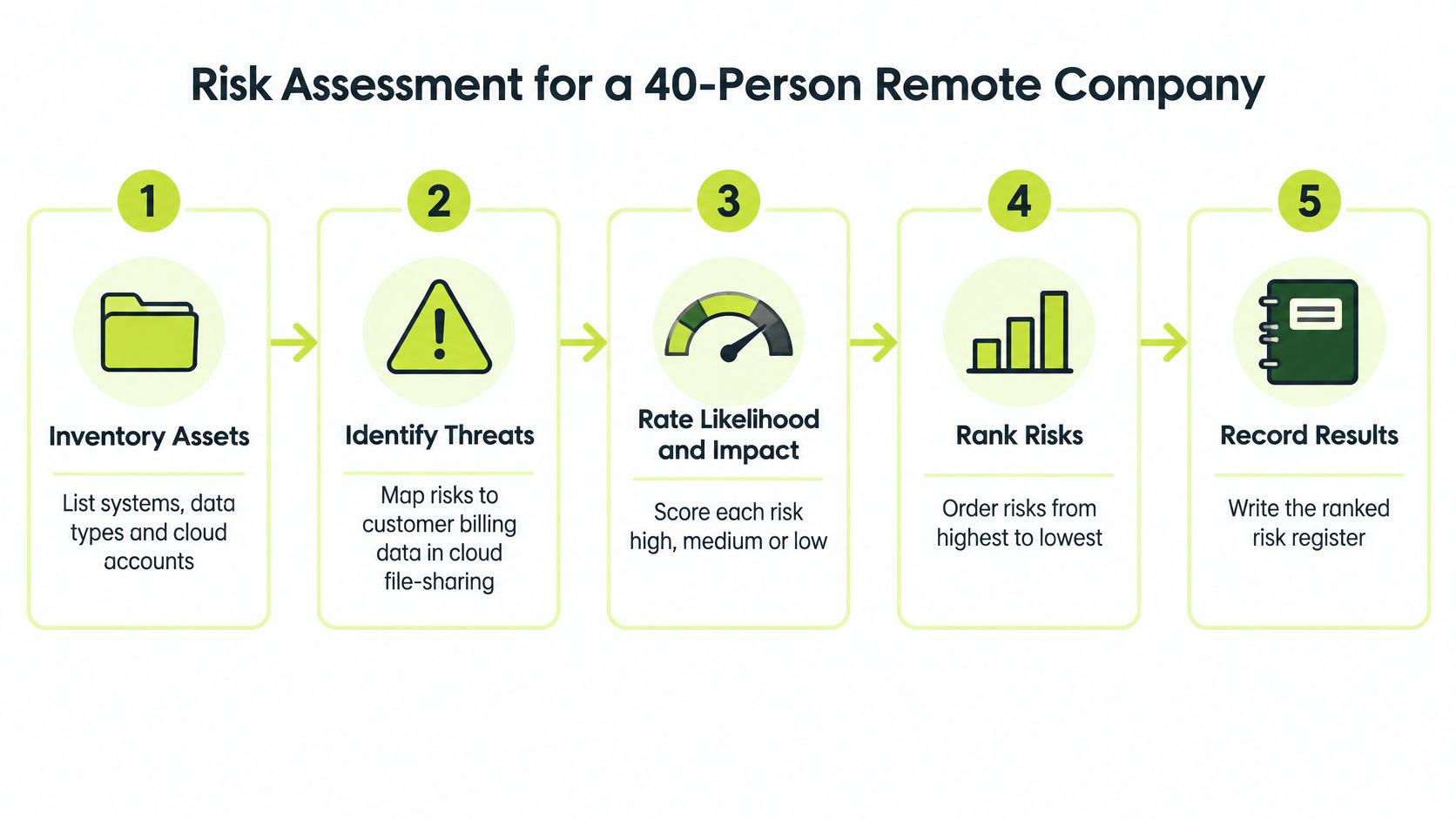
Six steps that produce a ranked register
- Inventory assets. List systems, data types, and cloud accounts, including the file-sharing tool and every staff laptop. You cannot protect an account nobody wrote down. Shared links, admin consoles, and billing exports count as assets too.
- Identify threats and vulnerabilities. For each asset, note how it could fail. A stolen password, a link set to "anyone with the link," or an unpatched laptop are three different paths to the same invoices.
- Rate likelihood and impact. Use a simple 1 to 5 scale. Billing data scores high on impact because a leak hits customers, contracts, and trust at once.
- Rank the risks. Multiply likelihood by impact and sort the register highest first. A public share link with likelihood 4 and impact 5 lands at 20 and jumps the queue.
- Choose a treatment. Mitigate with a control, transfer through insurance or a vendor contract, accept with documented sign-off, or avoid by retiring the tool. Do not leave the top row blank.
- Record the decision. Every row needs an owner and a review date, not only a score.
If scoring scales feel fuzzy, risk framework components and standards from PushOps give a plain map of how registers, criteria, and treatments fit together. Cloud file shares also bring identity and sharing risks that a laptop checklist misses, which is why cloud security concerns belong in the inventory, not in a later appendix.
Practical rule: Score from evidence, not from whatever worried leadership in last week's meeting. Skipping the inventory is the other common miss.
Hold a ranked register of about ten to fifteen risks. That list is the input for policies and controls.
Writing Policies, Controls and Vendor Rules
Readers mix up three layers. A policy is the rule. A standard is the measurable target. A procedure is the routine a person follows on a Tuesday. The confusion is understandable because all three get called “the policy” in meetings. They behave differently once work starts: the rule states what is allowed, the target makes compliance testable, and the routine leaves evidence that someone did the task.
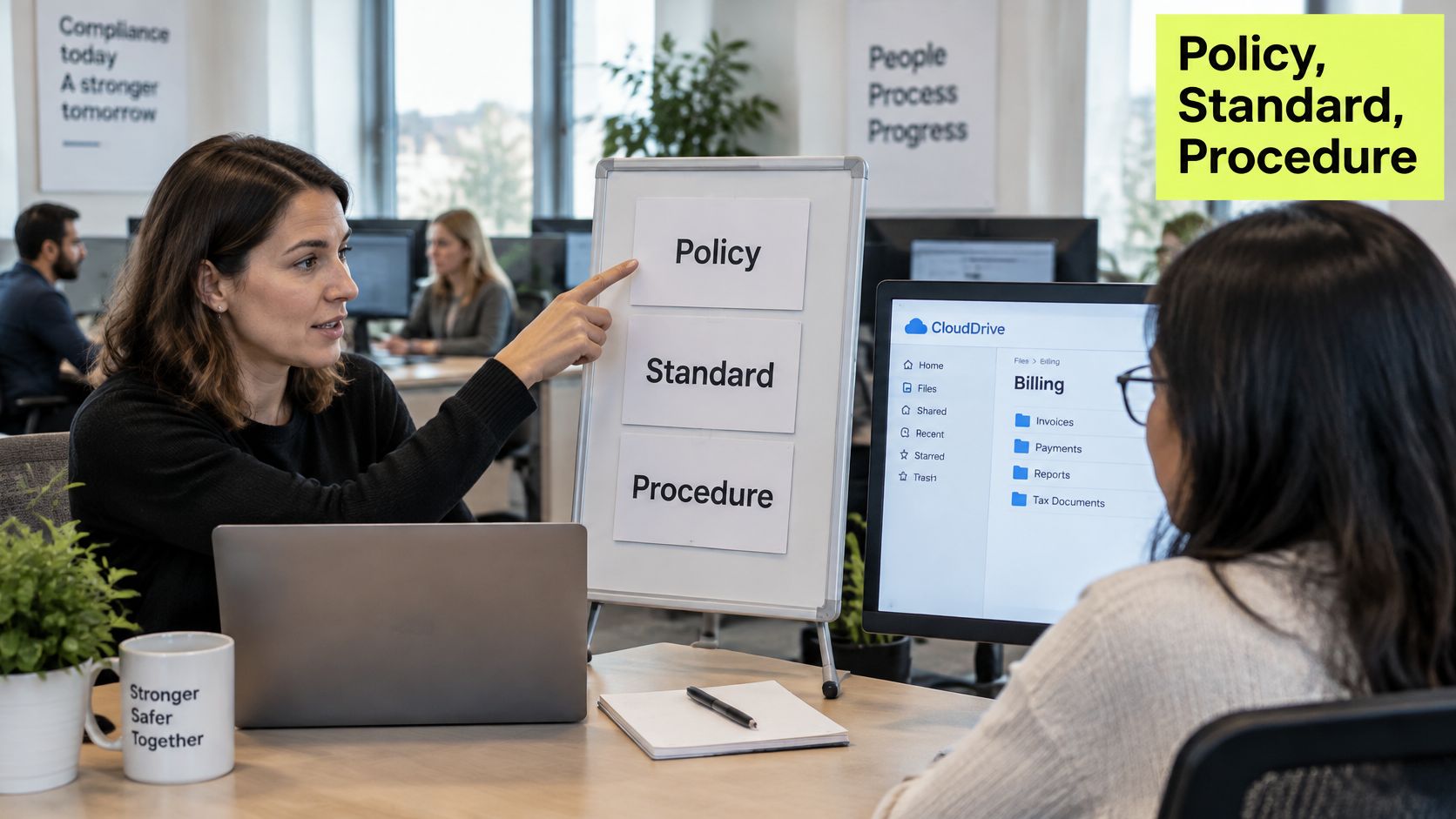
For the billing company, the access-control policy says only named roles may open billing files. The standard says those accounts use phishing-resistant multi-factor authentication and pass a quarterly access review. The procedure names the approver, states where the approval is stored, and says access is removed the day someone leaves. The rule-target-removal pattern keeps working after approval, whether it governs billing files or setting up database users safely.
Policies most plans still need
- Acceptable use: what company accounts and devices may be used for.
- Data classification: which files are restricted, internal, or public.
- Incident reporting: how fast a suspicious message must be reported, and to whom.
- Remote work: home-network and device expectations for people who never sit in an office.
- Vendor management: what a supplier must meet before it touches customer data.
Map controls to risks already ranked. Least privilege, multi-factor authentication, encryption at rest and in transit, backups proven by a restore test, and centralized logging each cite a risk row and an owner. The useful test is operational: if billing files leak next quarter, can the team point to the rule that limited access, the review that checked it, and the removal record for the person who changed roles? A policy that cites no risk, and a control that cites no owner, will not survive a serious review.
Vendor rows matter because the file share is someone else's system. Check Point's 2025 cloud security report reported that 65% of organizations experienced a cloud-related security incident in the previous year, while only 9% detected the incident within the first hour and only 6% remediated it within that period. Slow detection turns a supplier problem into a longer customer-data exposure.
For each critical SaaS or cloud provider, record four items: the data it holds, a named escalation contact, minimum log retention, and the step that revokes access when the contract ends. That row is a routine with an owner, not a promise in a folder. Adding another monitoring product will not fix a missing contact, just as a stricter password rule will not remove access nobody remembers to disable.
Watch for the moment a written rule turns into a ticket, an approval, and an evidence trail.
Finish with a policy list, a control list in which every item names its risk, and one vendor row per provider.
Training and the Human Risk Behind Most Breaches
Technical controls do not cover most breaches. Verizon's 2025 Data Breach Investigations Report analyzed more than 22,000 security incidents, including 12,195 confirmed data breaches, and found the human element involved in approximately 60% of breaches. The same report found third-party involvement doubled from 15% of breaches to 30% in one year. Credential abuse was an initial attack vector in 22% of breaches, and vulnerability exploitation in 20%.
An annual slide deck does not change that. It is disconnected from the moment someone is about to click, approve a supplier, or paste a password. Treat training as an operational control, the same way you treat access reviews.
Cisco's 2025 Cybersecurity Readiness Index found that 86% of organizations experienced an AI-related security incident in the previous 12 months, yet only 49% believed employees fully understood AI-related cybersecurity threats, and 52% said employees did not fully grasp how attackers use AI. Longer courses will not close that gap. People need a short scenario near the decision.
A loop that does not create fatigue
- Role-based paths: finance staff practice payment-fraud scenarios. Engineers practice secret-handling. People who approve supplier invoices and vendor access get a third-party module, because that exposure grew so quickly.
- One scenario a month: short, specific, and retired if the repeat-failure rate does not fall.
- Coaching, not a public call-out: a user who enters credentials on a simulated login page gets a two-minute refresher within the hour. Repeated failures trigger a conversation with the manager.
- One reporting channel: a single obvious way to report a suspicious message, plus an acknowledgement so people keep reporting.
Completion rate only shows attendance. Quiz comprehension, reporting latency (time from a suspicious email to a report), and repeat-failure rate show behavior. Build a training matrix that lists each role, its required lessons, and the metric you check. If you need a starting curriculum shape, security awareness training for employees is easier to adapt when each lesson already names the behavior it is meant to change.
Incident Response Phases and Who Owns Each
Speed is a cost control. IBM's 2025 global study reported that the average cost of a data breach was USD 4.44 million. Organizations using artificial intelligence and security automation extensively reduced the average breach cost to USD 3.62 million, compared with USD 5.52 million for organizations that did not, a difference of USD 1.9 million. Extensive use of those technologies also shortened the breach lifecycle by an average of 80 days. Faster identification and containment were associated with lower losses.
A document on a shelf does not produce that speed. IBM identifies regular testing of the plan and of backup restoration, explicit crisis roles for technical and nontechnical leaders, and training so people can perform those roles under pressure.
| Phase | Question It Answers | What the Plan Must Specify |
|---|---|---|
| Preparation | Are we ready before anything happens? | Roles, contact list, tools and tested backups |
| Detection and analysis | Is this real, and how serious is it? | Alert recipients, severity levels and triage steps |
| Containment | How do we stop the damage now? | Who can isolate systems and accounts without waiting for approval |
| Eradication and recovery | How do we remove the cause and restore service? | Recovery priorities, restore tests and sign-off authority |
| Post-incident review | What must change so it does not happen again? | Review timeline, corrective-action owners and plan updates |
What a distributed team writes down
Name who receives alerts at 2 a.m., who can isolate a laptop without waiting for an office, who speaks to customers and regulators, how evidence is preserved, and who authorizes recovery. When logs sit in more than one provider, name the person who decides, which identity records must stay readable during an outage, and how legal, privacy, communications, and continuity choices get made by a small team.
A suspicious login goes to the on-call analyst, who may disable the account immediately. The legal contact is notified if customer data may be involved. That path fits on one page.
Schedule a tabletop this quarter, and run it again after a vendor or architecture change, not only after an incident. Put detection and containment targets on that page so automation has a number to hit.
Metrics That Show Whether the Plan Works
NIST SP 800-61 recommends that the plan define mission, strategies, goals, management approval, responsibilities, communication paths, resources, performance metrics, and a roadmap for capability maturity. NIST also recommends reviewing the plan at least annually after approval.
Raw incident counts mislead. Organizations define "incident" differently, so a higher count this year may only mean you started logging phishing reports. Tie metrics to risk reduction instead.
| Metric | What It Shows | How to Calculate |
|---|---|---|
| Mean time to detect | How quickly incidents are noticed | Total detection time divided by number of incidents |
| Mean time to contain | How quickly spread is stopped | Total containment time divided by number of incidents |
| Mean time to recover | How quickly services return to normal | Total recovery time divided by number of incidents |
| Escalation SLA compliance | Whether alerts reach the owner on time | Incidents escalated within SLA divided by all incidents, as a percentage |
| Corrective action completion | Whether lessons become actual changes | Completed actions divided by assigned actions, as a percentage |
| Training repeat-failure rate | Whether behavior is changing | Users who fail a test again divided by users who failed it the first time |
How the numbers feed the next version
The first three metrics track speed. Escalation compliance and corrective-action completion track whether the process ran. Repeat-failure rate tracks whether people changed what they do.
Set a baseline over the first two quarters. Then set targets the owner has agreed, such as containing data-exposure incidents inside a stated window. Incidents produce metrics, metrics expose weak controls, and you revise the plan so the same failure is less likely.
Annual review checklist
Confirm owners, contacts, the asset inventory, the vendor list, and the roadmap for improving response. For each incident class, keep an owner, a severity threshold, a notification clock, an evidence rule, and a recovery acceptance criterion.
Choose three metrics to start. Decide who reports them and where the results are reviewed.
Confirm Owners and Review Dates This Quarter
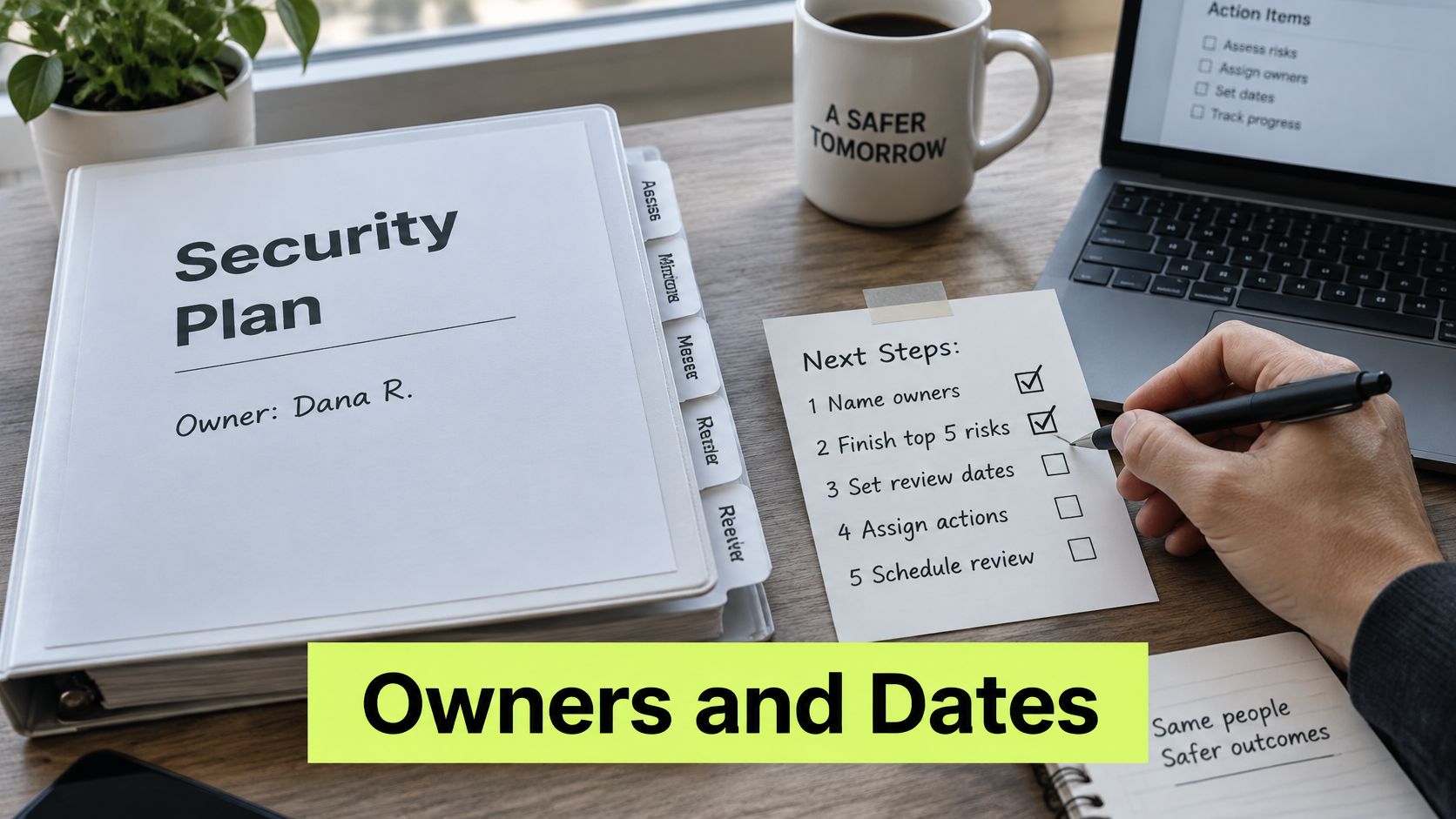
Finish these five actions before the quarter ends. Each one leaves a date and a name, which is what an auditor will ask for first.
- Name one owner for each of the six components and write that name on the plan cover.
- Finish the risk register for the five most critical assets. If you have no inventory yet, start with billing data, the file-share admin account, laptops, identity provider, and backups.
- Write the escalation path for one incident class, including the 2 a.m. on-call contact and the legal contact.
- Schedule one tabletop and one backup restore before the quarter ends. A restore you have not tried is a hope, not a control.
- Put the annual review on the calendar and name the three metrics reported there: mean time to detect, mean time to contain, and corrective-action completion.
If you want training records to sit beside those controls, Vigil Security lessons can be attached to editable framework controls, with mapping across SOC 2, ISO 27001, HIPAA, PCI DSS, GDPR, and more. The tool does not choose your risks, name your owners, or replace the review date.
Leave the quarter with a dated checklist and a calendar entry, before the next audit cycle asks for both.
Vigil Security delivers short, Slack-native security lessons, phishing coaching, and completion records so the training part of your plan produces evidence instead of a forgotten slide deck. Lessons map to the same compliance controls your plan already names, which keeps awareness tied to owners and review dates. Visit Vigil Security to see how a distributed team can run that routine inside the chat tool people already use.